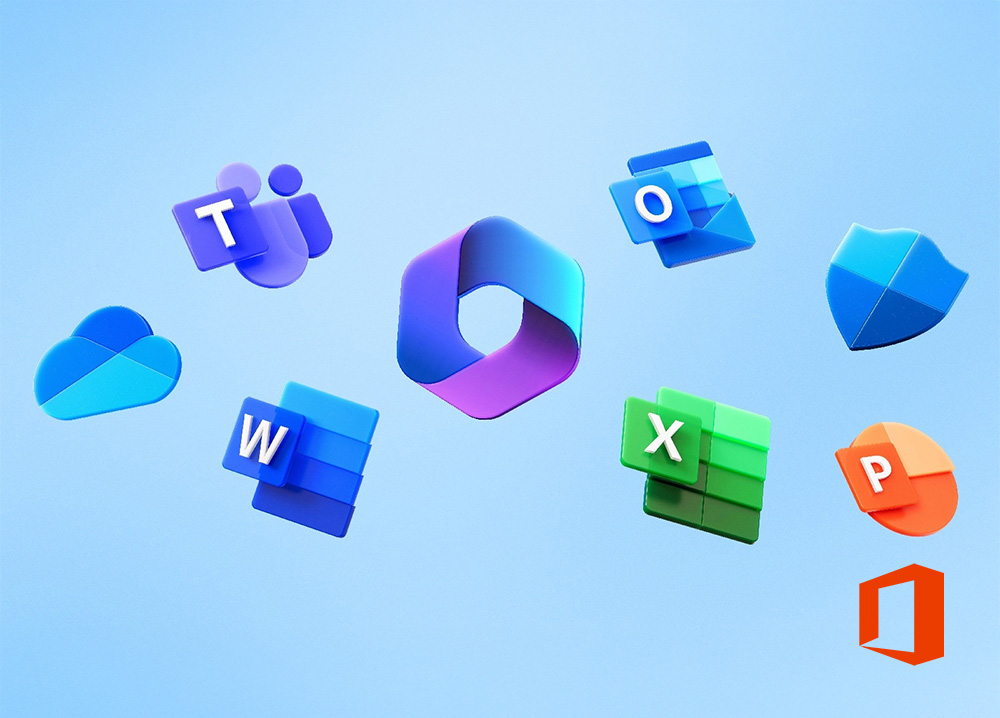
This one-day course is designed to help a delegate gain a basic understanding of computers and their everyday use in the workplace. In addition, delegates will learn the difference between hardware and software, develop confidence using the mouse and keyboard, and gain practical exposure to working with the Windows desktop, files, folders and basic computer functions.
Participants will gain hands-on experience in navigating desktop tools, managing folders, customising their workspace, and browsing the web effectively. Delivered through facilitator-led sessions with real-time demonstrations and guided practice, the course lays a solid foundation for further digital skills development in a corporate or administrative context.
Course is facilitated by a competent & experienced subject matter trainer, who utilises the following techniques to ensure that the session is practical and experiential: Questions, Discussions, Exercises & Assessments.
This two-day course is designed for corporate employees who require foundational computer skills to perform their daily tasks more efficiently and confidently. It is particularly suitable for:
This one-day course is designed to help a delegate gain a basic understanding of computers and their everyday use in the workplace. In addition, delegates will learn the difference between hardware and software, develop confidence using the mouse and keyboard, and gain practical exposure to working with the Windows desktop, files, folders and basic computer functions.
Participants will gain hands-on experience in navigating desktop tools, managing folders, customising their workspace, and browsing the web effectively. Delivered through facilitator-led sessions with real-time demonstrations and guided practice, the course lays a solid foundation for further digital skills development in a corporate or administrative context.
Course is facilitated by a competent & experienced subject matter trainer, who utilises the following techniques to ensure that the session is practical and experiential: Questions, Discussions, Exercises & Assessments.
This two-day course is designed for corporate employees who require foundational computer skills to perform their daily tasks more efficiently and confidently. It is particularly suitable for:
WhatsApp us