MS PowerPoint (Introduction to Advanced)

MS PowerPoint (Introduction to Advanced)

Overview

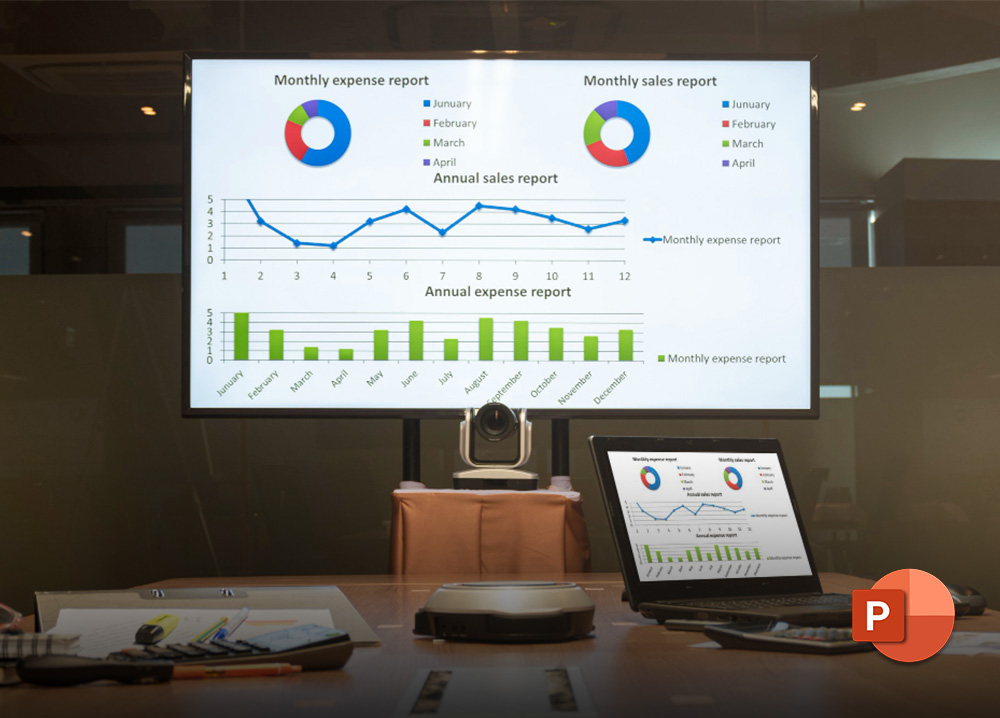
This two-day course provides participants with the skills to design, build, and deliver professional presentations using Microsoft PowerPoint.

Delegates will learn to create visually engaging slides with text, graphics, charts, and multimedia, as well as apply themes, transitions, animations, and advanced presentation features to capture and hold audience attention.

Objectives

By the end of this course, participants will be able to:

  • Create and customise presentations using appropriate layouts and themes
  • Format text and paragraphs for clear and professional communication
  • Insert and edit charts, tables, shapes, SmartArt, and pictures
  • Apply and customise themes and colour schemes
  • Use the Slide Master to ensure consistent design and branding
  • Apply transitions, animations, and timing to enhance delivery
  • Create and manage hyperlinks, action buttons, and multimedia content
  • Build custom templates and package presentations for sharing or distribution
  • Deliver presentations effectively using slide show tools and custom slide shows

Delivery Methods

This course is facilitated by a competent and experienced subject matter trainer using practical, hands-on learning methods including questions, discussions, exercises and assessments.

Who should attend?

This course is suitable for anyone who creates and delivers presentations in a professional setting, including:

  • Business Professionals
  • Sales and Marketing Teams
  • Project Managers
  • Trainers and Facilitators
  • Educators and Lecturers
  • Executive and Personal Assistants
  • HR and Communications Staff

Includes:

  • Comprehensive Manual
  • Lunch and Refreshments (not applicable to on-site / online training)
  • Electronic Certificate (on successful completion of the course)
  • Electronic Delegate Feedback Questionnaire


MS PowerPoint (Introduction to Advanced)

Overview

This two-day course provides participants with the skills to design, build, and deliver professional presentations using Microsoft PowerPoint.

Delegates will learn to create visually engaging slides with text, graphics, charts, and multimedia, as well as apply themes, transitions, animations, and advanced presentation features to capture and hold audience attention.

Objectives

By the end of this course, participants will be able to:

  • Create and customise presentations using appropriate layouts and themes
  • Format text and paragraphs for clear and professional communication
  • Insert and edit charts, tables, shapes, SmartArt, and pictures
  • Apply and customise themes and colour schemes
  • Use the Slide Master to ensure consistent design and branding
  • Apply transitions, animations, and timing to enhance delivery
  • Create and manage hyperlinks, action buttons, and multimedia content
  • Build custom templates and package presentations for sharing or distribution
  • Deliver presentations effectively using slide show tools and custom slide shows

Delivery Methods

This course is facilitated by a competent and experienced subject matter trainer using practical, hands-on learning methods including questions, discussions, exercises and assessments.

Who should attend?

This course is suitable for anyone who creates and delivers presentations in a professional setting, including:

  • Business Professionals
  • Sales and Marketing Teams
  • Project Managers
  • Trainers and Facilitators
  • Educators and Lecturers
  • Executive and Personal Assistants
  • HR and Communications Staff

Includes:

  • Comprehensive Manual
  • Lunch and Refreshments (not applicable to on-site / online training)
  • Electronic Certificate (on successful completion of the course)
  • Electronic Delegate Feedback Questionnaire