MS Windows and Internet (Introduction)

MS Windows and Internet (Introduction)

Overview

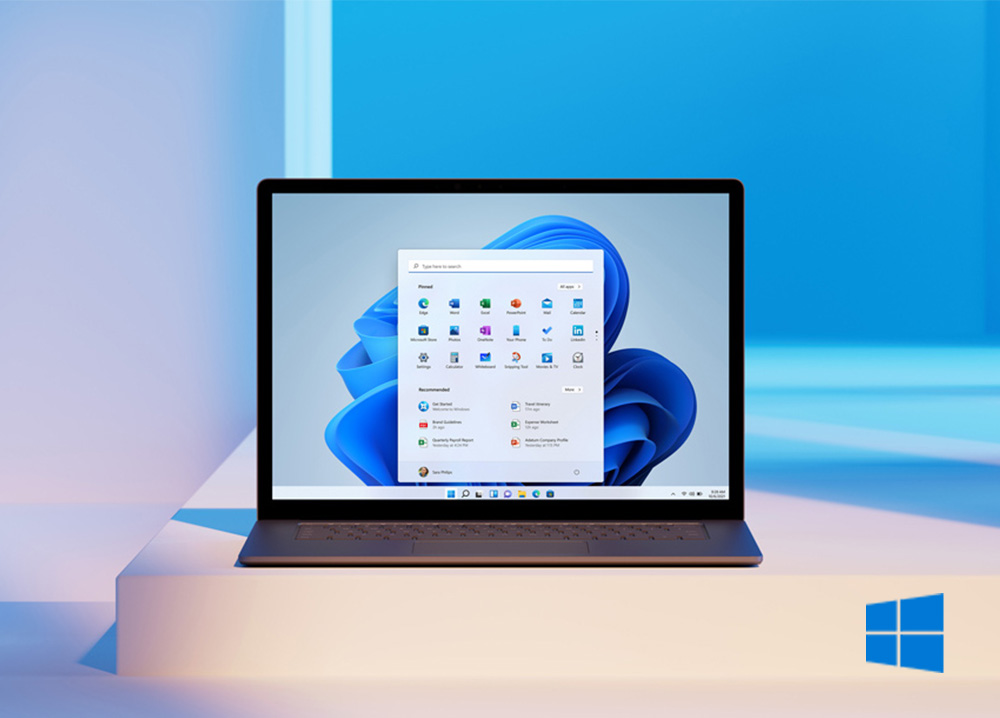
This one-day MS Windows & Internet (Introduction) course equips learners with the essential skills to navigate the Microsoft Windows operating system and use the internet effectively.

Designed for individuals with little PC experience, the programme provides a clear, hands-on introduction to desktop navigation, file and folder management, personalisation settings, and the use of built-in Windows tools.

Objectives

  • Understand the role and functions of an operating system.
  • Navigate the Windows desktop, Start menu, and taskbar with confidence.
  • Customise desktop settings, including background and icon arrangements.
  • Create, rename, organise, and delete folders for effective file management.
  • Use common Windows accessories such as Paint, WordPad, Calculator, Snipping Tool, and Sticky Notes.
  • Access and navigate the internet using browsers and search engines.
  • Save and organise favourite websites and manage browsing history.
  • Apply safe practices when copying and pasting text or graphics from web pages.

Delivery Methods

Course is facilitated by a competent and experienced subject matter trainer using practical, experiential techniques such as questions, discussions, demonstrations, exercises and assessments.

Who should attend?

This one-day course is ideal for individuals who have had little or no exposure to computers, including:

  • General Workers
  • Tea Ladies and Cleaners
  • Drivers and Delivery Staff
  • Entry-level employees
  • Individuals transitioning into roles requiring basic computer and internet use

Includes:

  • Comprehensive Manual
  • Lunch and Refreshments (not applicable to on-site / online training)
  • Electronic Certificate (on successful completion of the course)
  • Electronic Trainer Feedback Report
  • Electronic Delegate Feedback Questionnaire


MS Windows and Internet (Introduction)

Overview

This one-day MS Windows & Internet (Introduction) course equips learners with the essential skills to navigate the Microsoft Windows operating system and use the internet effectively.

Designed for individuals with little PC experience, the programme provides a clear, hands-on introduction to desktop navigation, file and folder management, personalisation settings, and the use of built-in Windows tools.

Objectives

  • Understand the role and functions of an operating system.
  • Navigate the Windows desktop, Start menu, and taskbar with confidence.
  • Customise desktop settings, including background and icon arrangements.
  • Create, rename, organise, and delete folders for effective file management.
  • Use common Windows accessories such as Paint, WordPad, Calculator, Snipping Tool, and Sticky Notes.
  • Access and navigate the internet using browsers and search engines.
  • Save and organise favourite websites and manage browsing history.
  • Apply safe practices when copying and pasting text or graphics from web pages.

Delivery Methods

Course is facilitated by a competent and experienced subject matter trainer using practical, experiential techniques such as questions, discussions, demonstrations, exercises and assessments.

Who should attend?

This one-day course is ideal for individuals who have had little or no exposure to computers, including:

  • General Workers
  • Tea Ladies and Cleaners
  • Drivers and Delivery Staff
  • Entry-level employees
  • Individuals transitioning into roles requiring basic computer and internet use

Includes:

  • Comprehensive Manual
  • Lunch and Refreshments (not applicable to on-site / online training)
  • Electronic Certificate (on successful completion of the course)
  • Electronic Trainer Feedback Report
  • Electronic Delegate Feedback Questionnaire